ChatGPT Work vs. ChatGPT Classic: A Functional System Comparison
Summary (Abstract):
As OpenAI transitions from conversational systems to autonomous tools, the way digital assistants operate is changing. Combining ChatGPT Work with the Codex software solution enables direct editing of local file structures instead of relying solely on text-based chat responses.
Key Takeaways (Important Facts)
- System Comparison: While Classic responses remain text-based, Work directly accesses file paths on your computer.
- Platform Requirements: Due to necessary deep directory permissions, the Work application is available exclusively for desktop operating systems.
- Model Variants: Three performance tiers in the GPT 5.6 series cover different needs—from background services (Luna) and everyday queries (Terra) to compute-heavy major projects (Sol).
- Workflow Organization: Combining local folder links, predefined execution rules (‘Skills’), and background routines streamlines project execution.
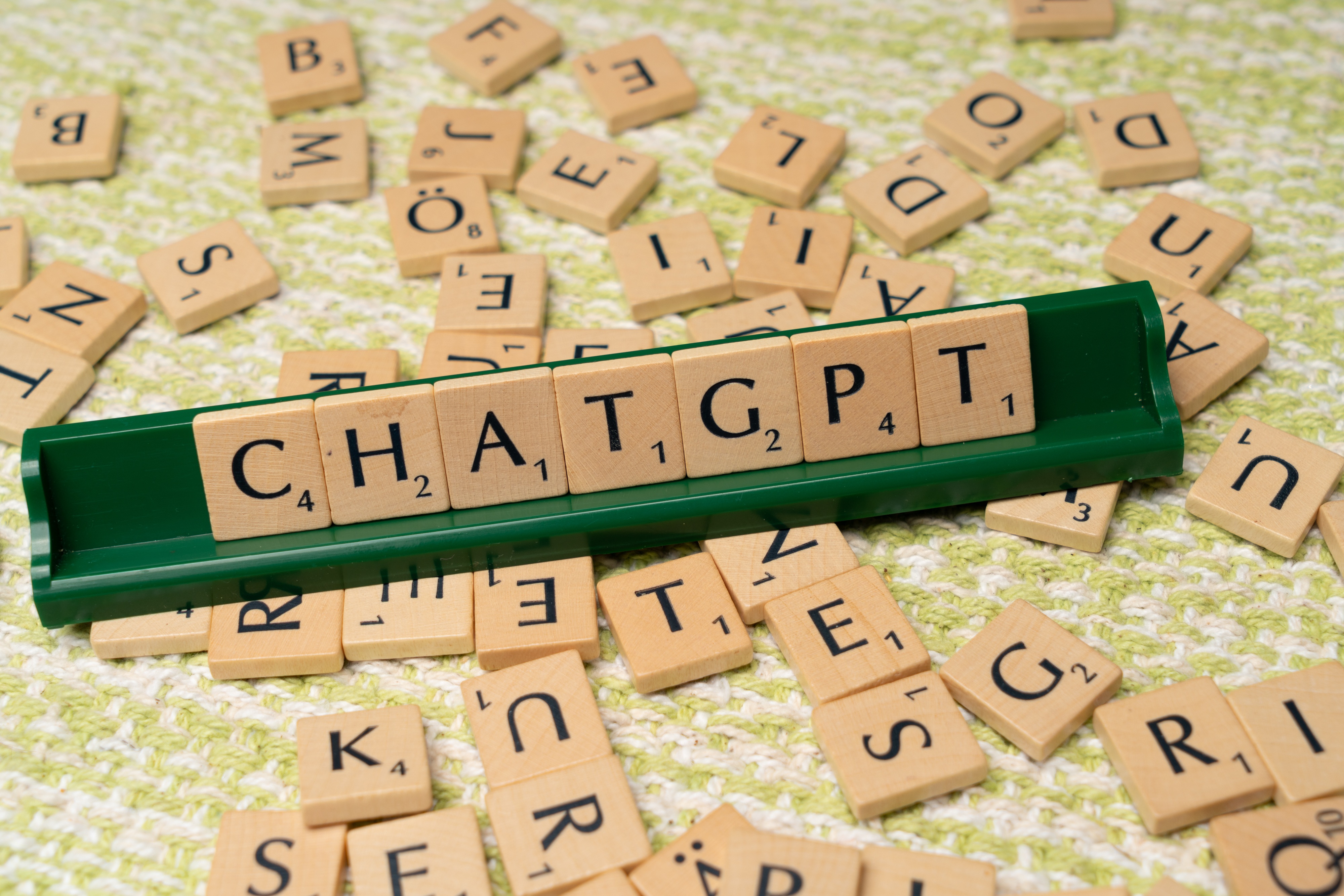
Differences in System and Feature Set
Traditional language models limit themselves to generating text in a chat window. In contrast, ChatGPT Work interacts directly with locally stored folders and files. Since this level of independent file management requires elevated access permissions, the software is designed specifically for desktop platforms.
The following core functions were integrated to optimize workflows:
- Local Folder Structure: Related tasks and conversations can be organized into projects matching your local file system.
- Background Automation: Recurring workflows can be scheduled for automated execution.
- Predefined Workflows (“Skills”): Saved instructions eliminate the need to repeatedly prompt the same steps.
- Integrated File Editing: Documents can be modified directly in the system without manual transfer steps (such as copying and pasting).
Overview of the GPT 5.6 Models
Alongside the new architecture, the GPT 5.6 model family provides scalable computing power tailored to different task requirements.
| Model Name | Performance Profile | Primary Use Cases |
|---|---|---|
| GPT 5.6 Sol | Maximum computing capacity for demanding processes | Complex research tasks and extensive system transformations |
| GPT 5.6 Terra | Balanced standard for daily operations | Text creation, code review, document revision |
| GPT 5.6 Luna | Resource-efficient auxiliary model | Handling simple subtasks and background services for other agents |
| ChatGPT Classic | Pure dialogue interface without system integration | Simple text generation and queries without local file access |
Evaluating Use Cases
Choosing the right system depends on your specific requirements. Users who only need occasional text answers will find the Classic version sufficient. However, for those regularly processing files, managing project structures, and automating workflows without manual intermediate steps, ChatGPT Work offers clear advantages.
Frequently Asked Questions (FAQ)
1. How does ChatGPT Work differ from the Classic version?
ChatGPT Classic focuses purely on conversation. ChatGPT Work connects the application with Codex and executes operations directly on your computer’s local folders.
2. What components form the foundation of ChatGPT Work?
The application combines classic ChatGPT with the functionality of the Codex programming environment.
3. Why is ChatGPT Work not available for mobile devices?
On mobile operating systems, security restrictions prevent full access to local folder structures, which is essential for its functionality.
4. What sets the GPT 5.6 Sol model apart?
GPT 5.6 Sol delivers the highest computing power, making it ideal for time-intensive analysis and multi-layered system transformations.
5. What is GPT 5.6 Terra designed for?
As the standard variant, GPT 5.6 Terra supports everyday tasks such as drafting text, reviewing code, or editing documents.
6. What role does GPT 5.6 Luna play?
GPT 5.6 Luna operates as a compact background model, contributing subtasks for interconnected system agents.
7. How do “Skills” work in ChatGPT Work?
Skills are permanently saved workflows, eliminating the need to re-enter instructions for every execution.
8. What principle governs project management in ChatGPT Work?
Chat histories and associated tasks are organized in project folders that correspond to the local directories on your computer.
9. How does the agent architecture affect working with intermediate results?
Because the system directly accesses directories, the manual step of copying and pasting is eliminated.
10. When is switching to ChatGPT Work recommended?
Switching is recommended as soon as you regularly edit local files, coordinate complex workflows, or require automated processes.
This article was prepared by the editorial team at E-Commerce Institut and is based on analyses by Luca Regner (Ahead-AI).